Define what StreamProof needs to accomplish
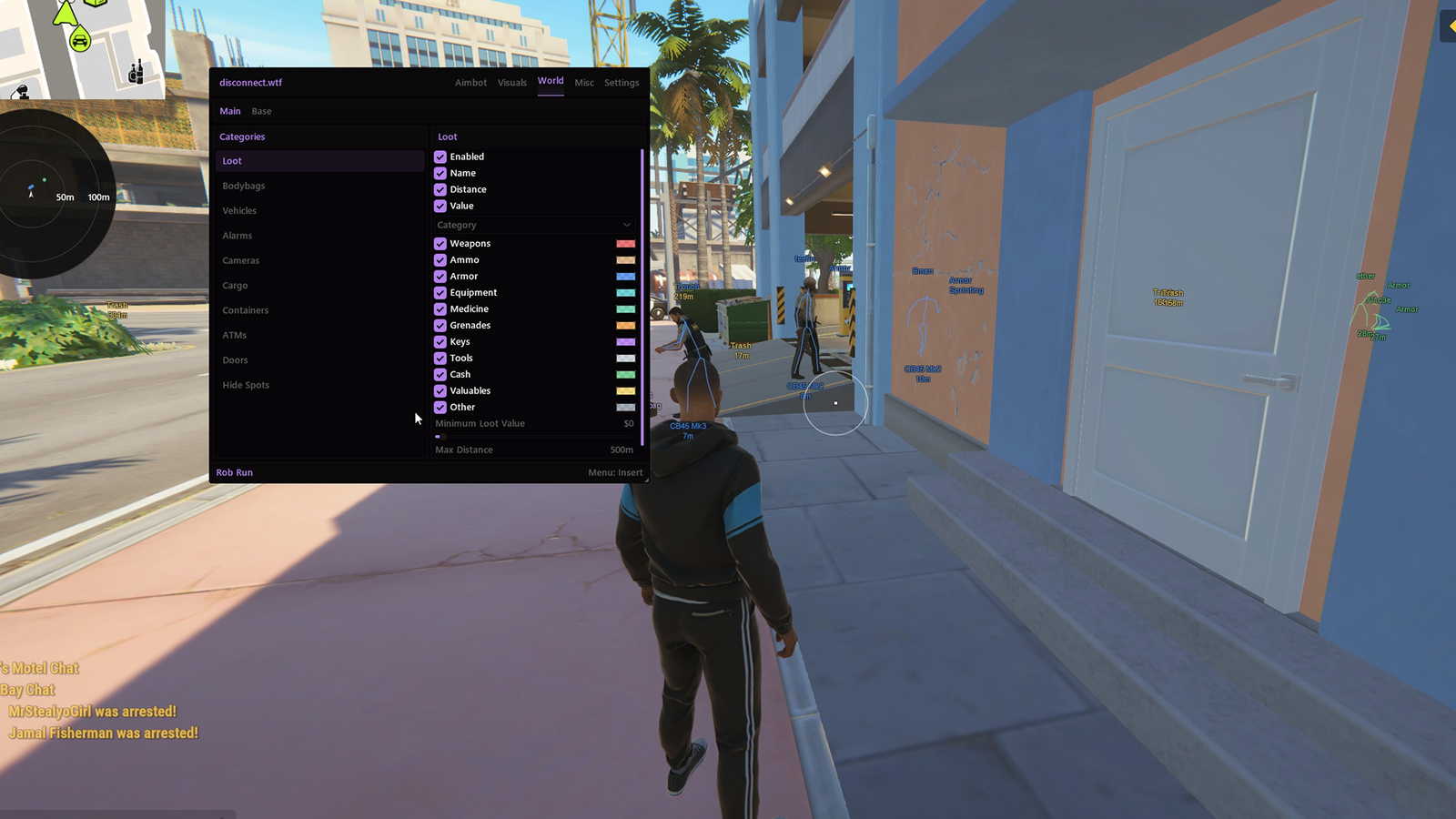
StreamProof is a capture-visibility feature, not a general description of everything on your screen. Disconnect lists a StreamProof overlay for Rob Run, but the useful question is whether its menu appears in the exact recording or broadcast method you intend to use. Game Capture, Window Capture and Display Capture can behave differently, so passing one method does not prove the same result in another.
Decide which content must remain visible and which must stay out of the recording before testing. The game image, ordinary HUD, browser, chat, notifications and third-party menu are separate surfaces. StreamProof only addresses the supported overlay behaviour; it cannot be assumed to remove other windows or sensitive information. A deliberate capture layout is still necessary even when the cheat menu itself is absent from footage.
Test each capture path with a real recording
Set up the intended scene in your recording software and make a short local recording before going live. Open the Rob Run menu, move it, change a tab and close it again so the test includes more than a static screen. Then watch the saved file rather than judging only the OBS preview. The preview, encoded recording, screenshot and platform output can follow different paths.
Repeat the procedure for every capture method you may actually use, including Display Capture if that is part of your setup. Record the capture mode, graphics settings and product version beside the result so you can reproduce it later. After a game, overlay, driver or OBS update, run the same short check again. A previous clean recording is useful history, not proof that a changed pipeline remains identical.
- Record the menu opening, moving, changing and closing.
- Inspect the saved video and still screenshots, not only the preview.
- Repeat the same test after relevant software or driver updates.
Diagnose black screens and visible overlays separately
A black game image and a visible cheat menu are different faults. A black image usually calls for checking the selected source, capture mode and graphics compatibility. A visible menu calls for checking whether StreamProof is enabled and whether the current capture method is supported. Do not respond to both by randomly changing every OBS option, because that removes the evidence needed to identify the effective setting.
If the menu appears only in one method, keep the result scoped to that method rather than declaring StreamProof broken everywhere or perfect everywhere. Use the configuration that produces the intended recording and consult current product guidance for limitations. Avoid treating third-party filter suggestions as guaranteed fixes. The reliable evidence is a fresh recording from your own complete scene, not a generic claim about one capture mode.
Keep privacy and anti-cheat claims out of the result
A successful capture test does not establish anti-cheat safety. Rob Run uses Easy Anti-Cheat with a kernel-level component, and whether OBS records an overlay is unrelated to that environment. StreamProof should therefore never be described as undetected protection. Read product status independently, and keep account-risk decisions separate from the visual result in a video file.
Finally, review the entire frame and audio path before publishing. Desktop notifications, clan names, private messages, licence details and browser tabs can leak through sources unrelated to the Rob Run overlay. Microphone and desktop audio can carry information even when the picture is clean. Use a privacy-conscious scene, inspect the final recording and only then proceed with your content workflow. Capture cleanliness is a production check, not a guarantee of anything beyond the recording.