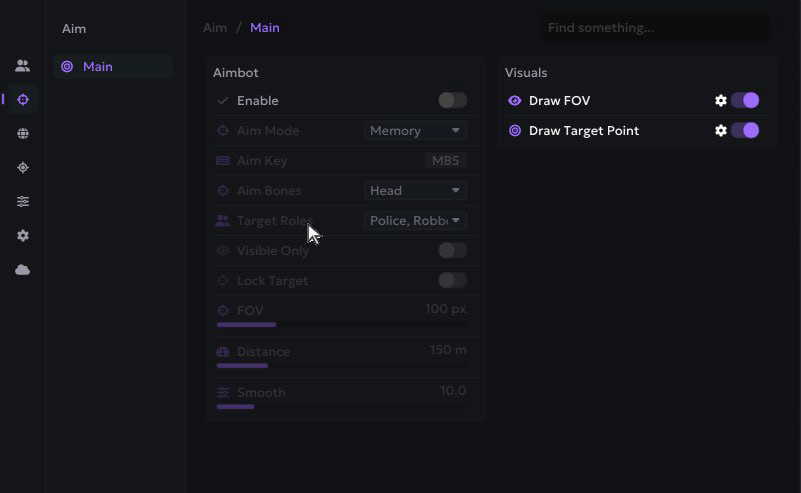
What role ESP adds to ordinary player visuals
Player ESP is the broad idea of displaying information about other characters beyond the ordinary game view. Role ESP narrows that information around the part a player occupies in Rob Run, most importantly the distinction between player cops and criminals. Depending on the current build, that may be communicated through colours, labels or filters. It adds context to a marker; it does not replace movement, sound or ordinary situational awareness.
Serenity publishes role ESP and chams, while Arkancore lists role filters alongside configurable player visuals. Other products list player ESP without promising the same role-specific controls. That difference matters when comparing screenshots: seeing a coloured player does not prove you can independently configure cop and criminal colours. Read the current menu documentation for the exact options, especially after Early Access updates change game roles or data.
Create a clear visual hierarchy
Choose colours by meaning rather than brightness alone. One role colour, a separate clan or friendly indication where supported, and a restrained neutral style for everyone else is easier to parse than giving every category a saturated outline. Keep text sizes modest and avoid enabling every available label at maximum distance. The goal is to recognise the next decision quickly, not to turn the whole city into overlapping text.
Chams, boxes, skeletons, names and distance labels answer different questions, so they should not all carry equal visual weight. If the selected build offers them, use one primary shape to locate a player and one small label to identify role or distance. Serenity lists chams, but availability elsewhere must be checked individually. A clean setup is particularly valuable near groups, where several markers can otherwise merge into a single block.
- Give roles distinct colours that remain visible on bright and dark scenes.
- Keep only the labels that change an immediate decision.
- Reduce distant detail before reducing nearby identification.
Use distance and visibility filters deliberately
Distance filtering is the simplest way to reduce irrelevant information. Nearby players usually require more detail, while distant contacts may only need a marker or may be hidden entirely. If your build separates render distance from label distance, use that distinction to preserve awareness without keeping names and boxes on every remote character. Exact controls vary, so avoid assuming one slider governs the entire overlay.
A visibility or line-of-sight option, when offered, also needs careful interpretation. It can change how information is displayed, but it cannot tell you whether an opponent is looking at you or whether an approach is safe. Rob Run is an online sandbox with moving players and changing engagements. Treat ESP as an additional information layer with possible delays or limitations, never as a complete model of the current fight.
Adapt the display to your current activity
A patrol or town route benefits from quick role recognition and modest long-range clutter. Base defence calls for nearby detail and a clear distinction between allies and other players, while a loot run may need fewer player labels so item markers remain legible. Saving separate configurations is useful only if the product supports them reliably; otherwise, keep a short checklist of the settings you change between activities.
Revisit the display after patches, a weekly wipe or a change in your clan routine. A colour scheme that worked with one group may become ambiguous when several teammates appear together. Product status is a separate question from visual preference: a menu can look correct while another feature is broken. Report missing or incorrect role information through the appropriate support channel rather than assuming the whole build is current.