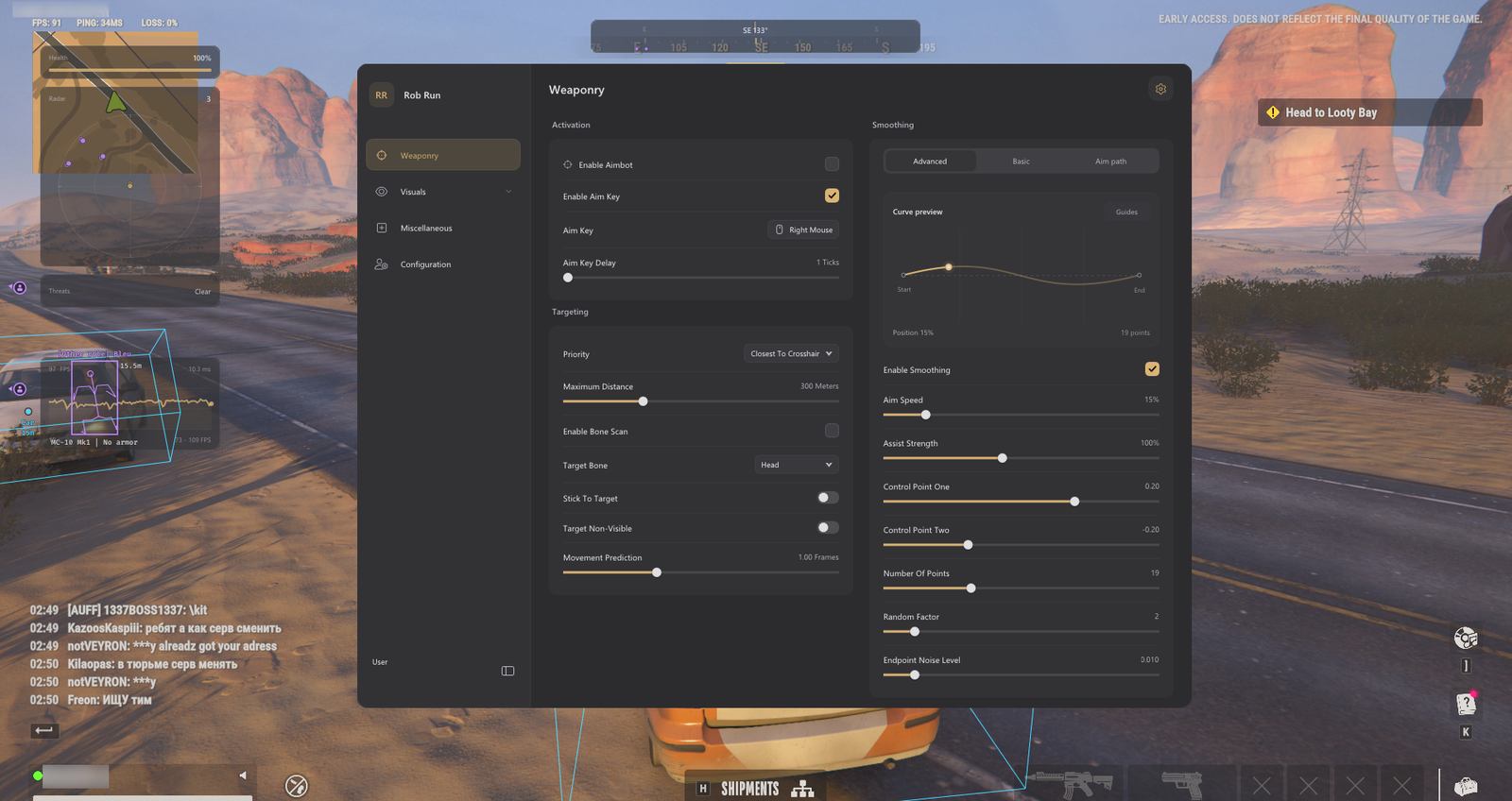
Separate loot, cash and cargo information
Loot ESP is a broad label for visual information about items in the world. Cash ESP narrows the focus to currency-related objects where the current game and build expose them, while cargo ESP concerns cargo-related markers offered by the selected product. These categories should not be assumed to share one filter or one distance limit. Read the menu labels carefully so you know what each displayed marker is supposed to represent.
Crimson specifically lists cash and loot ESP, Raven lists dropped loot tracking, and Vendex lists loot ESP. Arkancore and Disconnect also publish loot-related visual features, but the exact cargo categories are not established by a generic screenshot. If cargo information matters to your route, confirm it in the current listing or menu documentation before choosing a product. Similar names across brands do not prove identical game coverage.
Filter for the objective of the current run
Enable the item groups that support a specific objective instead of displaying every category at once. A short trip for one resource needs a different overlay from a broader run around Looty Bay or a return to a homestead with several teammates. Excess markers hide doorways, players and vehicle information. Distance limits and category filters, where available, are usually more effective than making every label smaller.
Dropped loot deserves its own consideration because it can appear where players have recently fought or moved items. Raven lists dropped loot tracking, but that feature should not be read as a promise to identify every object in every condition. Use the marker as a reason to check an area, then confirm the item through the game itself. Server state, updates and ordinary player activity can make information incomplete or short-lived.
- Enable only item categories relevant to the current trip.
- Use separate distance limits when the menu provides them.
- Confirm marked items in the world before committing to a route.
Plan routes without trusting markers blindly
A useful route connects several likely stops while leaving room to leave a dangerous area. Loot markers can help you compare directions, but they do not measure player attention, available transport or the cost of crossing an exposed street. Combine item information with radar or vehicle ESP only if your chosen product includes those tools. Raven and Vendex list radar-related features alongside their visual options.
Do not treat a dense cluster of markers as automatically better than a quieter stop. Other players may have the same destination, and valuable-looking information says nothing about what you can carry or extract safely. Decide your next stop and your exit before approaching. This is especially important in a sandbox with player cops and criminals, where the meaning of an encounter depends on more than the items shown on screen.
Keep inventory and team decisions in the game
ESP does not manage inventory space, divide clan supplies or decide which goods are worth taking. Make those decisions inside the game with your team, and use the overlay only to narrow the search. A clear rule for priority items prevents a marker from pulling you away from the original objective. After a weekly wipe, revisit those priorities because your immediate base and equipment needs may be different.
Most importantly, item and cash ESP only displays information about existing game entities to the extent supported by the build. It does not create cash, generate cargo or add items to an inventory. Any wording that promises money creation should not be inferred from an ESP label. If a marker appears inaccurate after a game patch, check current product status and report the mismatch rather than changing unrelated settings at random.