Understand the controls before changing values
Aimbot settings only make sense when you know what each control changes. A field of view setting usually limits the screen area in which targets can be considered, while smoothing changes how quickly aim movement follows a selected target. Target filters decide which players or roles are eligible. Names and behaviour can differ between Rob Run builds, so use the explanation inside your selected menu rather than copying numbers from another product.
Silent aim and conventional aim assistance should not be treated as interchangeable labels. Arkancore, Crimson and Disconnect publish silent aim, while Raven, Vendex and Kenzo list aimbot among their combat features. Some menus may expose both ideas or use different terminology. Check what the current listing actually provides, then change one group at a time so you can identify which setting caused an unwanted result.
Set a useful targeting area and role filters
A very wide targeting area can make selection feel unpredictable when several players are visible, especially near busy routes around Looty Bay. A narrower area gives you more deliberate control over when assistance engages, but it cannot decide whether a target is the correct tactical choice. Start with the menu default if available, make small changes and observe target selection in the situations you normally encounter.
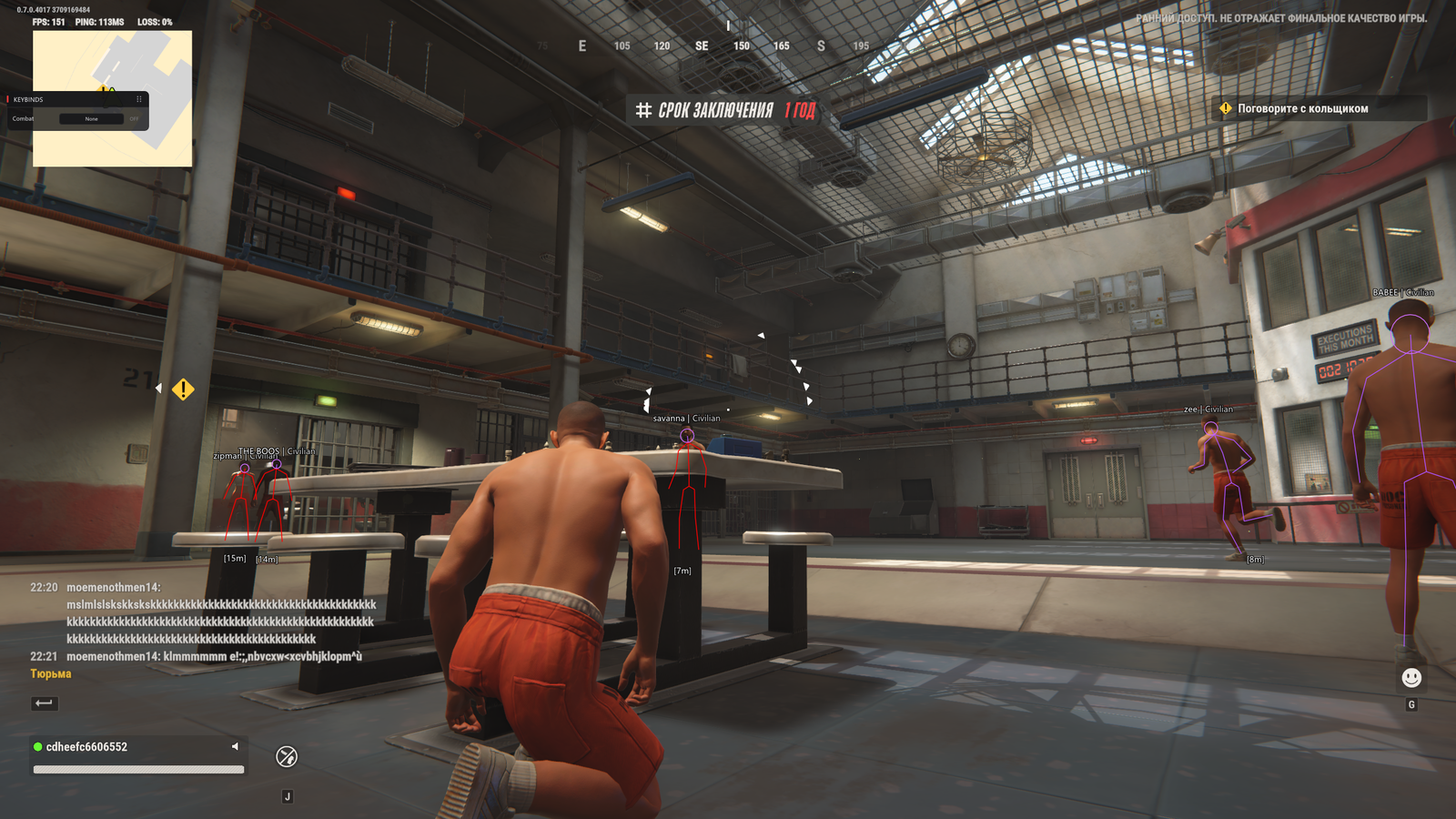
Role filters matter because Rob Run places player cops and criminals in the same social sandbox. If your build offers cop, criminal, team or distance filters, configure them around your current activity instead of enabling everything by habit. Arkancore specifically lists role filters, and Serenity lists role ESP, but visual role information does not prove that identical aimbot filters exist. Keep targeting and display settings conceptually separate.
- Limit eligible roles only where the selected build supports it.
- Adjust one control at a time and retain a known default.
- Use ESP to interpret the scene, not as proof of aim behaviour.
Balance smoothing with your own input
Smoothing controls how abrupt assisted movement appears and how it feels beneath your own mouse or controller input. Too little smoothing may feel abrupt; too much can make the response feel delayed when a target changes direction. There is no universal best value because sensitivity, frame rate, input device and the implementation itself all affect the result. Prefer a controlled adjustment over copying a screenshot with no context.
Controller users should verify the complete input path rather than only the aimbot panel. Crimson lists controller support, but that does not establish identical controller behaviour across other products. Check whether the menu expects a specific input mode and whether its keybinds conflict with normal actions. Keep weapon options such as no recoil or no spread on the same product page when comparing, since they are separate features rather than aimbot smoothing settings.
Build a repeatable configuration routine
A useful configuration routine begins with a backup or a record of defaults. Set targeting eligibility first, then field of view, then smoothing, and only afterwards review related weapon options. This order reduces the chance of diagnosing a filter problem as an aiming problem. After a game update, confirm that labels and defaults still mean the same thing before reusing an exported configuration or an old list of values.
Evaluate the configuration against your normal role rather than an artificial ideal. A player watching approaches to a base has different information and timing needs from someone moving through town for loot. If the menu behaves inconsistently, check the product status and current guidance before making larger changes. Aim settings can alter handling, but they cannot remove Easy Anti-Cheat risk or guarantee a particular combat outcome.